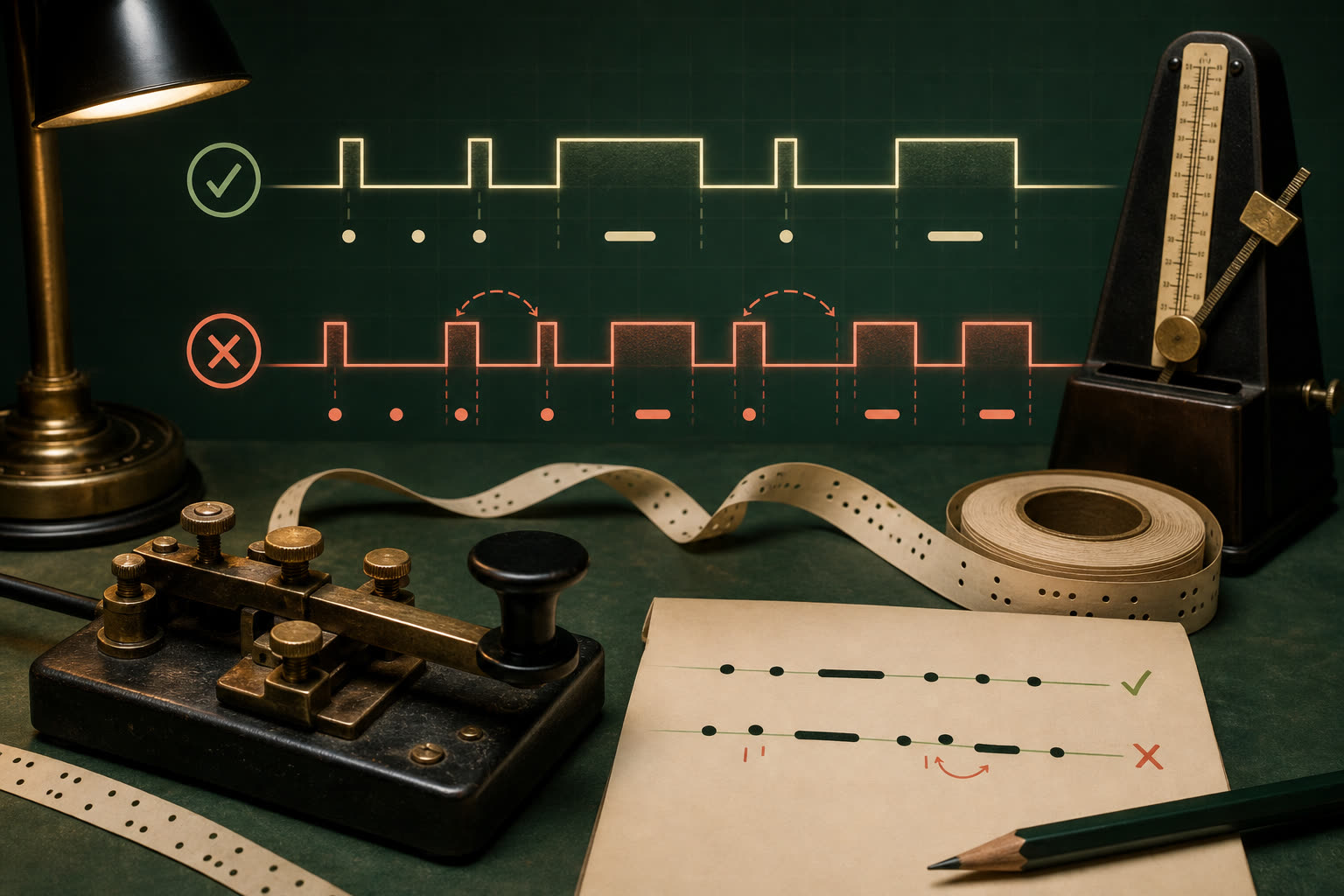
Most unreadable Morse is not caused by a wrong alphabet. It is caused by missing boundaries, inconsistent timing, or symbols that changed during copy and paste.
1. Removing the spaces between letters
Written dots and dashes need visible grouping. .... . .-.. .--. decodes as HELP because each space closes one character. Run the groups together and a translator has no reliable way to discover the intended boundaries.
2. Using a normal space for both letters and words
One space commonly separates encoded letters; a slash separates words. If both boundaries look identical, WE NEED HELP can return as one long stream of letters. Preserve the slash when moving Morse through chat apps that collapse repeated whitespace.
3. Mixing typographic symbols
Documents may replace a hyphen with an en dash or em dash, while formatted text may use a centered bullet instead of a period. A tolerant translator can normalize common variants, but a plain-text decoder may accept only . and -. When pasted Morse fails, replace decorative marks with ASCII dots and hyphens.
4. Counting very slow dots and dashes
Stretching each mark makes a character feel like a list instead of one rhythm. Keep the character speed crisp and add extra space between characters when learning. This gives you time to answer without destroying the sound shape.
5. Ignoring the silence
A dot is one unit and a dash three, but the gaps are equally specific. One unit separates elements inside a character, three separates characters, and seven separates words. A sender who focuses only on the beeps can accidentally turn one valid sequence into another.
6. Confusing a text translator with an audio decoder
A translator can create perfect audio from a known pattern. Recovering a pattern from a recording is harder: background noise, fading, multiple tones, and hand-sent timing all introduce uncertainty. Clean the recording and verify uncertain letters instead of treating automated output as exact.
7. Trusting the first output without a round trip
Unsupported characters, damaged separators, or an incorrect direction setting can produce plausible-looking Morse. For an important message, encode it, decode the result back to text, and listen once. The round trip exposes missing characters and grouping errors quickly.
A short troubleshooting order
- Confirm input direction.
- Normalize dots and dashes.
- Restore letter spaces and word slashes.
- Check unsupported characters.
- Verify the 1–3–7 timing by ear.
- Round-trip the complete message.
Use the translator to test both directions, then compare uncertain characters with the International Morse chart.